More views
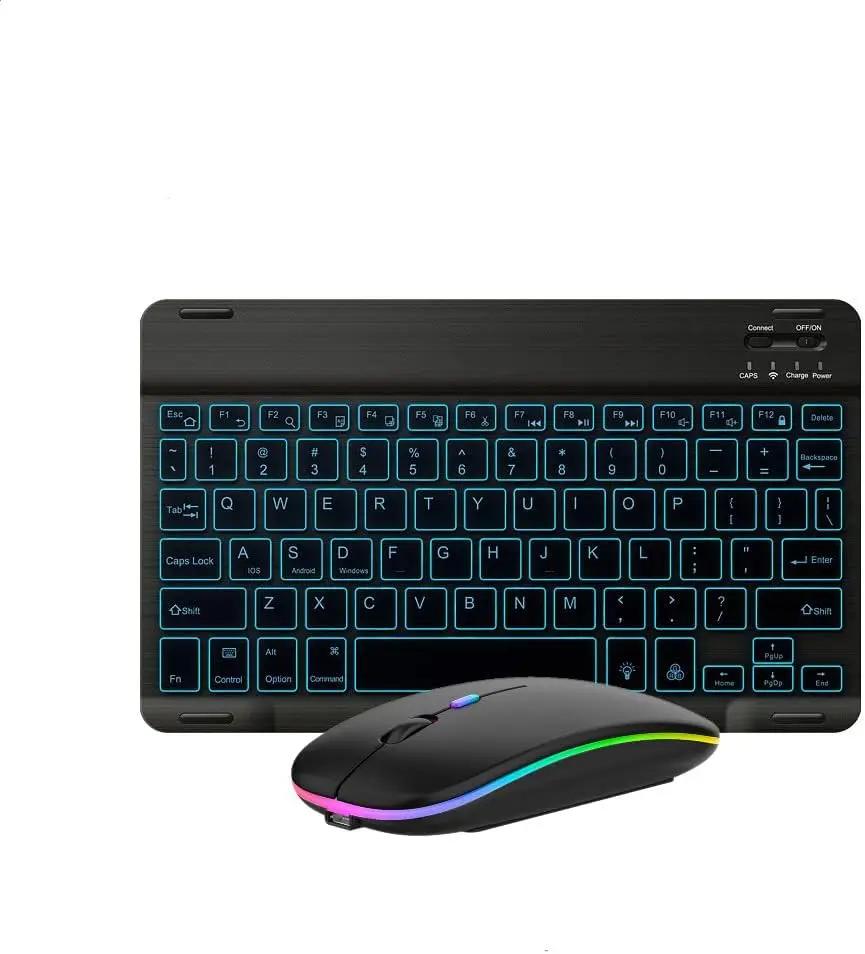
Ultra-Slim Lightweight Bluetooth Keyboard and Mouse Portable Mini Wireless Keyboard Rechargeable 7-Color Backlit for Apple iPad iPhone,Tablet iPhone Smartphone iOS Android Windows,Black
Product Details
Troubleshooting: Q1:If keyboard does not work properly? 1.please make sure that your computer bluetooth function is enabled,the keyboard should be within 10 meters of the computer; 2..the connection password entered is correct, keyboard built-in battery power is too low,please charge the keyboard ; 3..if the keyboard is not connected or paired with the tablet computer after successful pairing,the text input delay or even typing letters appear in the process,please according to the following steps:delete all bluetooth devices,tablet computer Bluetooth option in the closed on a tablet computer bluetooth option,-restart the tablet computer keyboard and tbalet computer again. Q2:Keyboard does not connect to tablet,PC,ipad? The charging indicator will blink when is low power,which you need to charge,please make sure charged fully; The bluetooth keyboard pairing as below steps: 1.Turn on the keyboard ,the bluetooth status indicator blinking 5s then off; 2.Press”Connect”key,Blueooth indicator blinking; 3.Open the bluetooth and search,tablet PC search the keyboard(bluetooth name:bluetooth keyboard)automatically or manual,click connection; 4.Connect successfully,the bluetooth indicator will go out; Q3:The keyboard does not work? the keyboard is low power condition,or the keyboard enter into auto sleep condition If the charging indicator start blink ,means low power,you need to charge,please charge as below steps: Step1:Connect the B port of the origin USB wire to the keyboard charging port; Step2:Connect the A port to the power port or electric USB port; Step3:When charging,the red light will be on until at the end of charging. Please note that the keyboard have auto sleep function, Keyboard will enter into sleep after idle for 30 minutes,to activate it ,press any key and wait for 3 seconds,keyboard will work; Q4:The keyboard back light does not work? The keyboard have not paired with the device successfully,may lead backlight does not work; 1.Press the backlight key first time is turning on the light; 2.Press second time is increasing the brightness; 3.Press third time is light off , (single color backlight); 4.Backlit key+down key/backlit key+up key to change the backlight colors(3-color backlit); 5.When the battery is less than 20%,or idle for 10 minutes,the backlight will turn off; Q5:Keyboard always disconnect? the keyboard is universal keyboard ,the keyboard have compatibility with other bluetooth equipment,or the keyboard is low power ,which Need to charge. 1.for other bluetooth equipment which can be activated,be carefull to check the bluetooth standard and compatibility before connect. 2.Charging when power blue light flash,you need to charge ; 3.Please make sure that the other bluetooth equipment support HID bluetooth connection, 4.Please note that the keyboard just support the Android, IOS,windows three systems; Q6:the mouse can not charge? the mouse can not support fast charge,only slow charging is allowed,if use the fast charge ,high current and high voltage can easily damage the mouse’s battery. Q7:the mouse do not work,and not bluetooth compatible? the mouse is low power ,or the mouse have not bluetooth paired successfully,to lead the mouse do not work . 1.we will add the mouse user manual ,include the bluetooth pair steps. 2.we will add the detail bluetooth pair steps on product description. If the power switch at the bottom of the mouse change dim or off,you need to charge the mouse, After 2-3 hours charging, when the charging light led is on ,the charging starts.the light goes out ,means charging fully. Bluetooth mode Please do mouse bluetooth pair as below steps: Step1:switch the BT/2.4g button to bluetooth ,then automatic code match after powered; Step2: Open device bluetooth to connect; 2.4G mode: Step1:Switch the BT/2.4g button to 2.4G location; Step2: plug the usb dongle into computer usb port,power on the mouse; Please note the keyboard is ultra slim lightweight ,please take into consideration before buying. the keyboard size is 9.84*5.91*0.2inch; the mouse size is 4.41*2.28*0.98inch;
Features
- 7-Color LED Backlit - This wiressless 7-color led backlit bluetooth keyboard and mouse adopts bluetooth wireless connection and scissor key structure,which bring you a perfect input experience,it has built in rechargeable polymeric lithium better and charging indicator,the keyboard will enter into sleeping mode if there is no action in 10 minutes,therefor it has a small comsumption and long battery life.
- The keyboard and mouse compatible with iOS, including Computer, Desktop, PC, Laptop, Android Tablets Windows, Apple iPhone, iPad, Android Samsung Windows Surface tablet cell phone,etc.
- Pairing instruction:before use this keyboard,it must be connected with your tablet or other device,when it pairs successfully,you do not need to reconnect it in future,please connnect the keybaord with your tablet according to the right graphic instruction as below:1.Turn on the keyboard;2.Press the "Connect" button to 3 seconds,the blue light blinks;3.open the bluetooth from settings in your IPAD and find the bluetooth keyboard,then click and connect(password free connection).
Specifications
- Connectivity Technology
- Bluetooth, Usb
- Other Special Features of the Product
- Rechargeable
- Compatible Devices
- Tablet
- Keyboard Backlighting Color Support
- RGB
- Are Batteries Required
- No
- Power Source
- Battery Powered
- Keyboard Layout
- QWERTY
- Compatible Operating System Family
- Android, Windows
- Minimum Required Operating System Version
- Windows 11
- Hand Orientation
- Ambidextrous
- Operating System
- Windows,Android,Ios
- Number of Keys
- 78
- Keyboard Description
- Indoor
- Antenna Location
- Office
- Unit Count
- 1.0 Count
- Warranty
- 1
- Color
- black
- Special Feature
- Rechargeable
Customer Reviews
No reviews yet.
Related Products
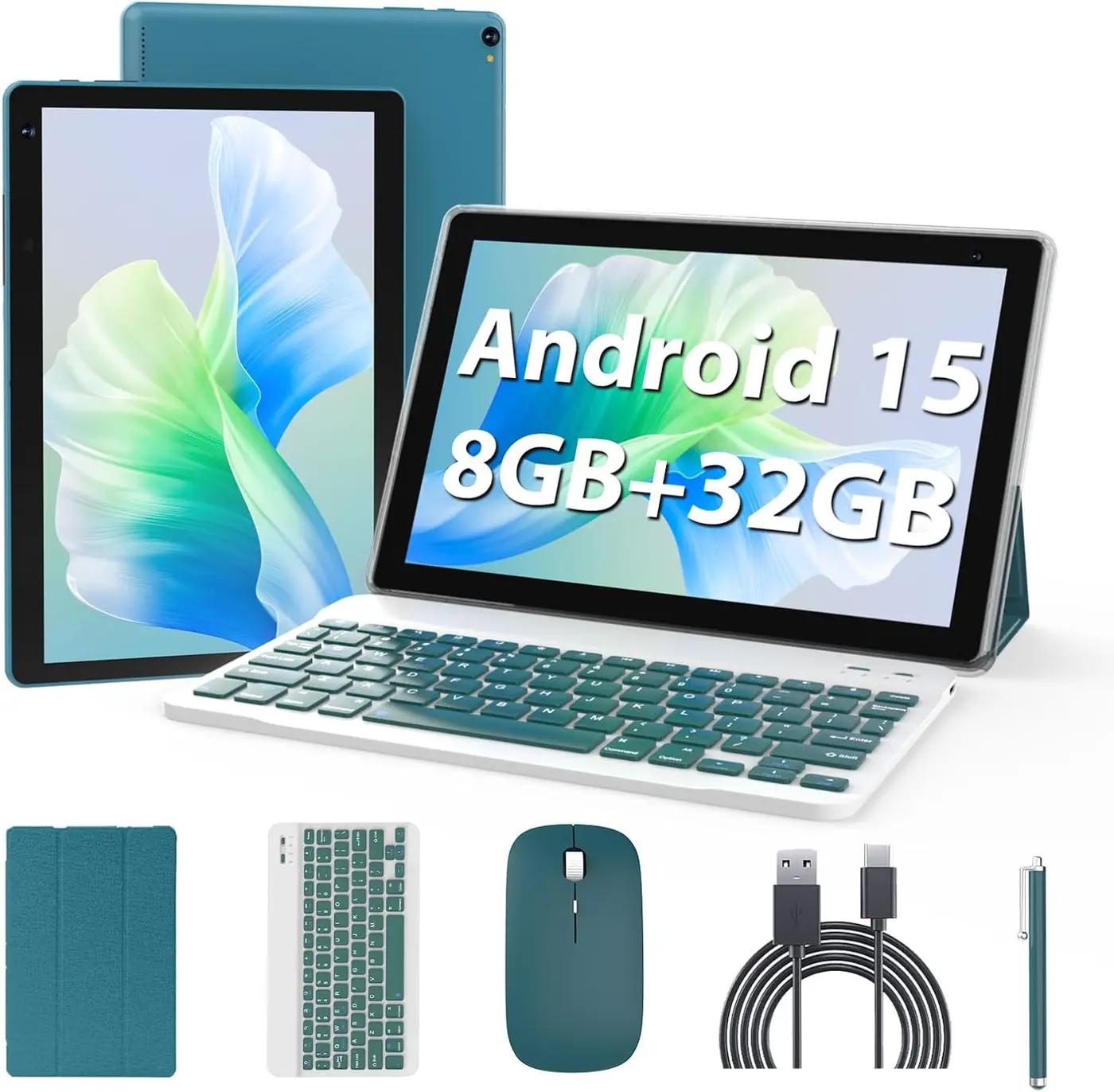
Android 15 Tablet 10 inch
Rated 4.9 out of 5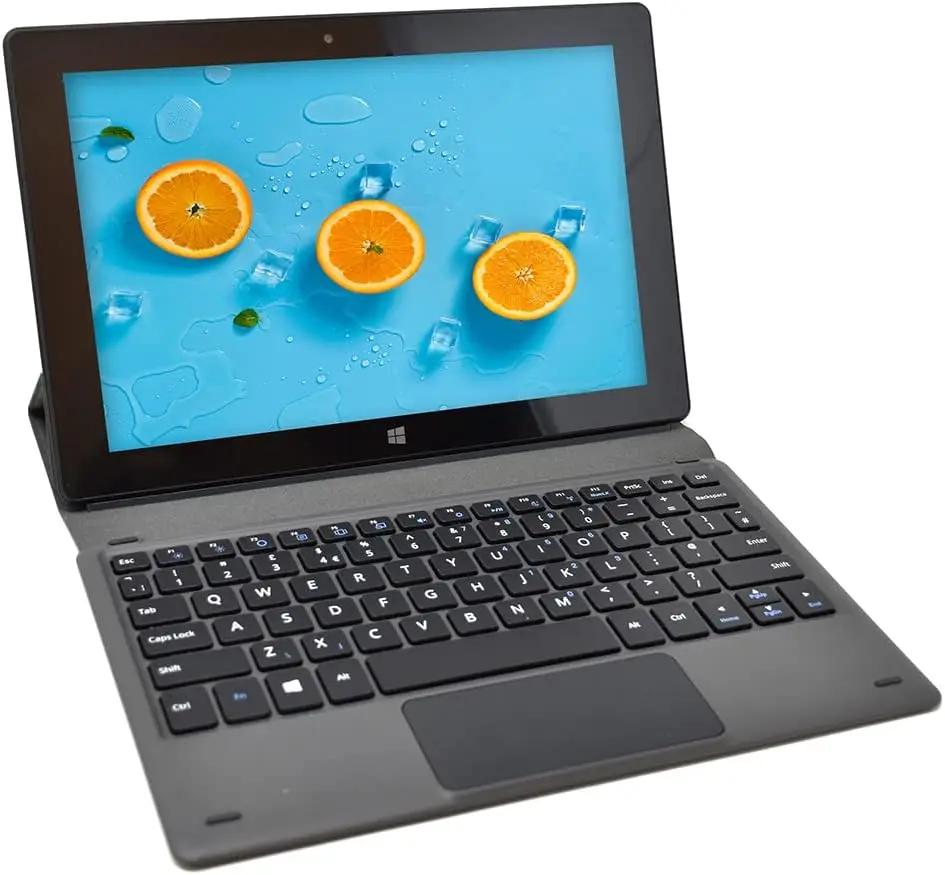
Fusion5 NOT Compatible with Rugged Tablets - Universal Docking Keyboard…
Rated 4.8 out of 5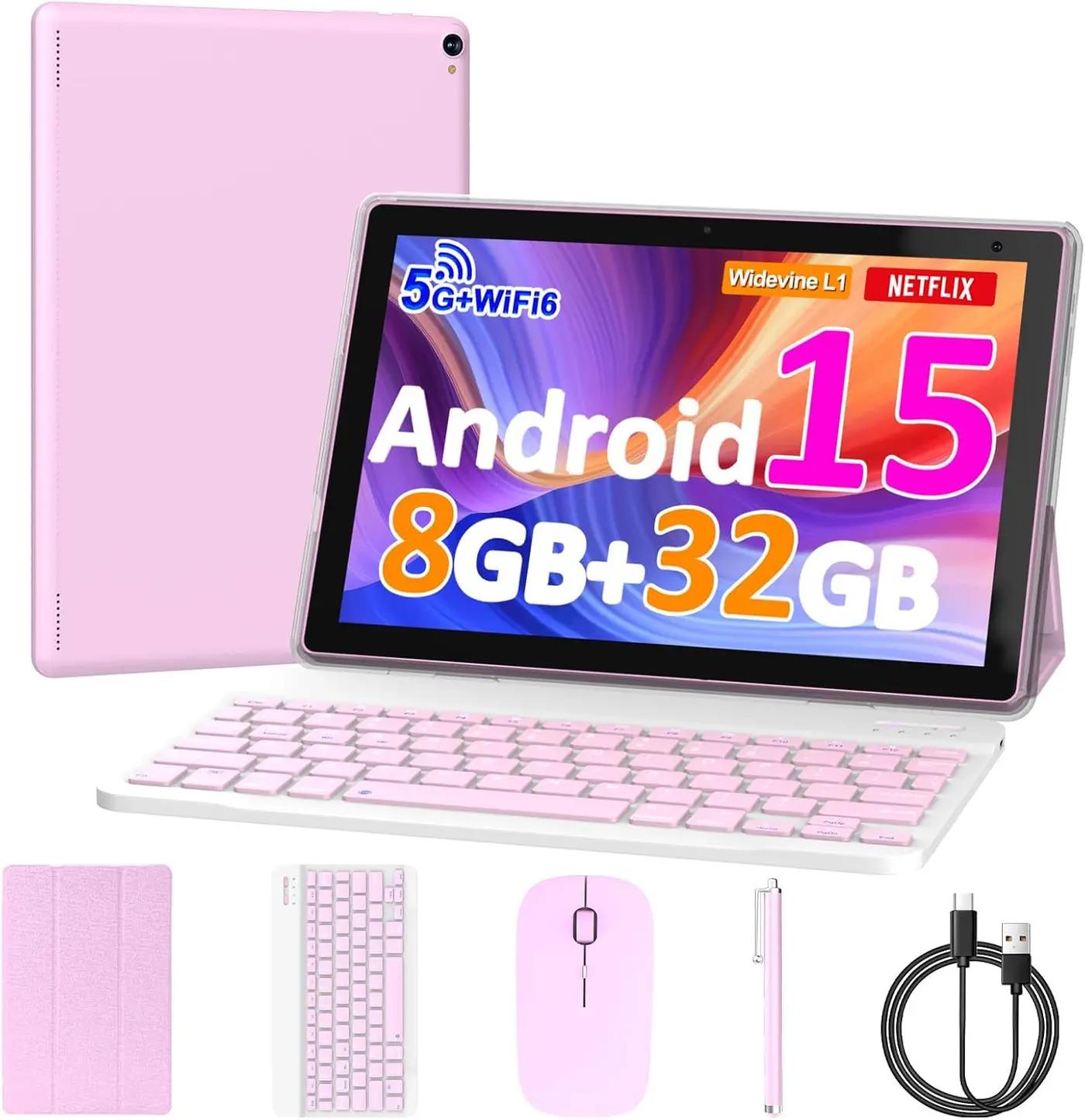
10 inch Android 15 Tablet
Rated 5.0 out of 5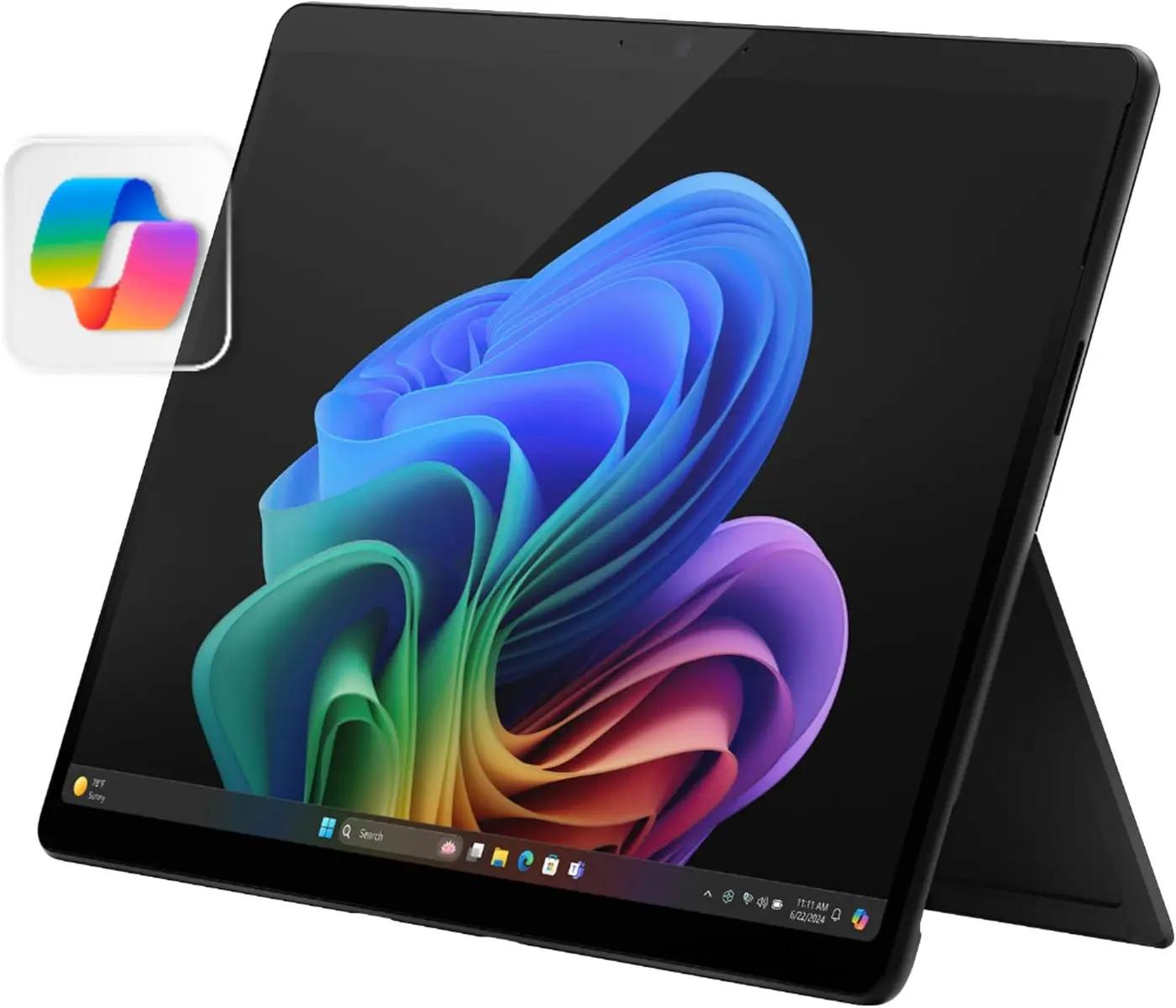
Microsoft Surface Pro 2-in-1 Laptop/Tablet (2024)
Rated 4.2 out of 5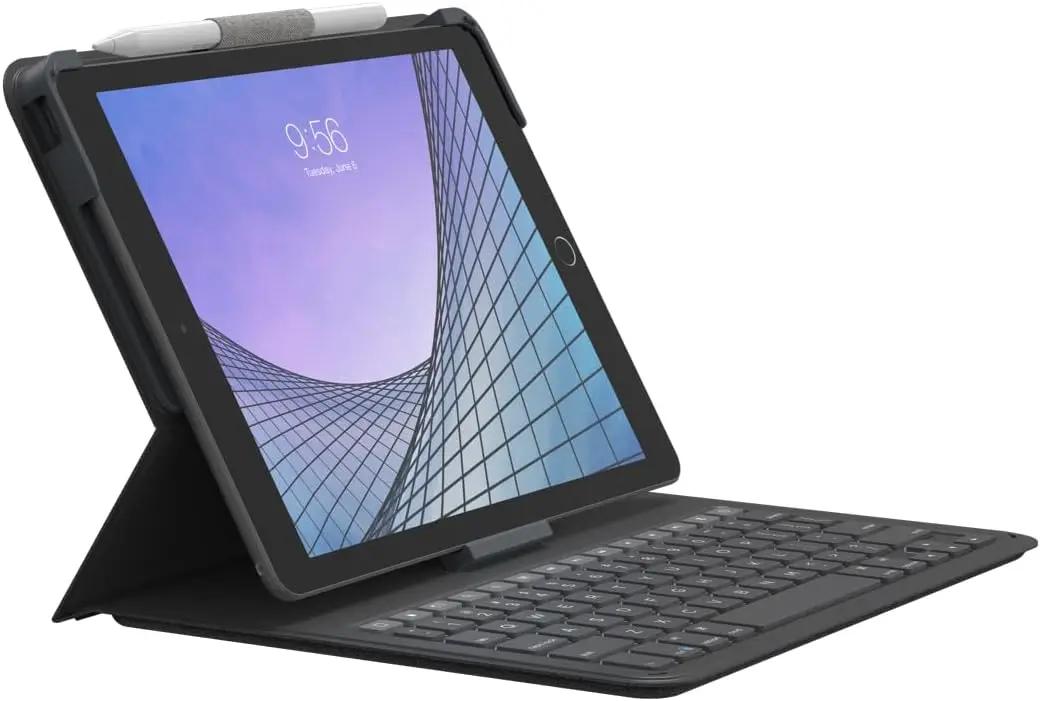 -33%
-33%ZAGG Messenger Folio 2 Tablet Keyboard & Case
Rated 4.3 out of 5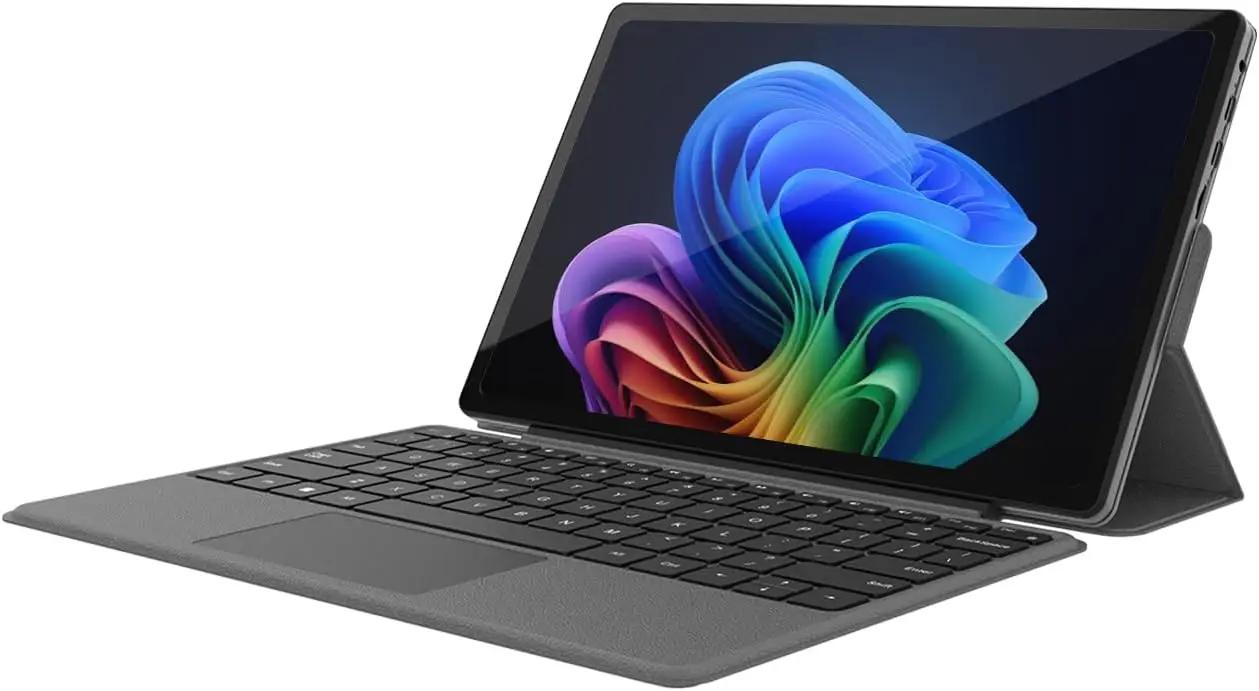 -50%
-50%2-in-1 Laptop/Tablet (2025)
Rated 4.3 out of 5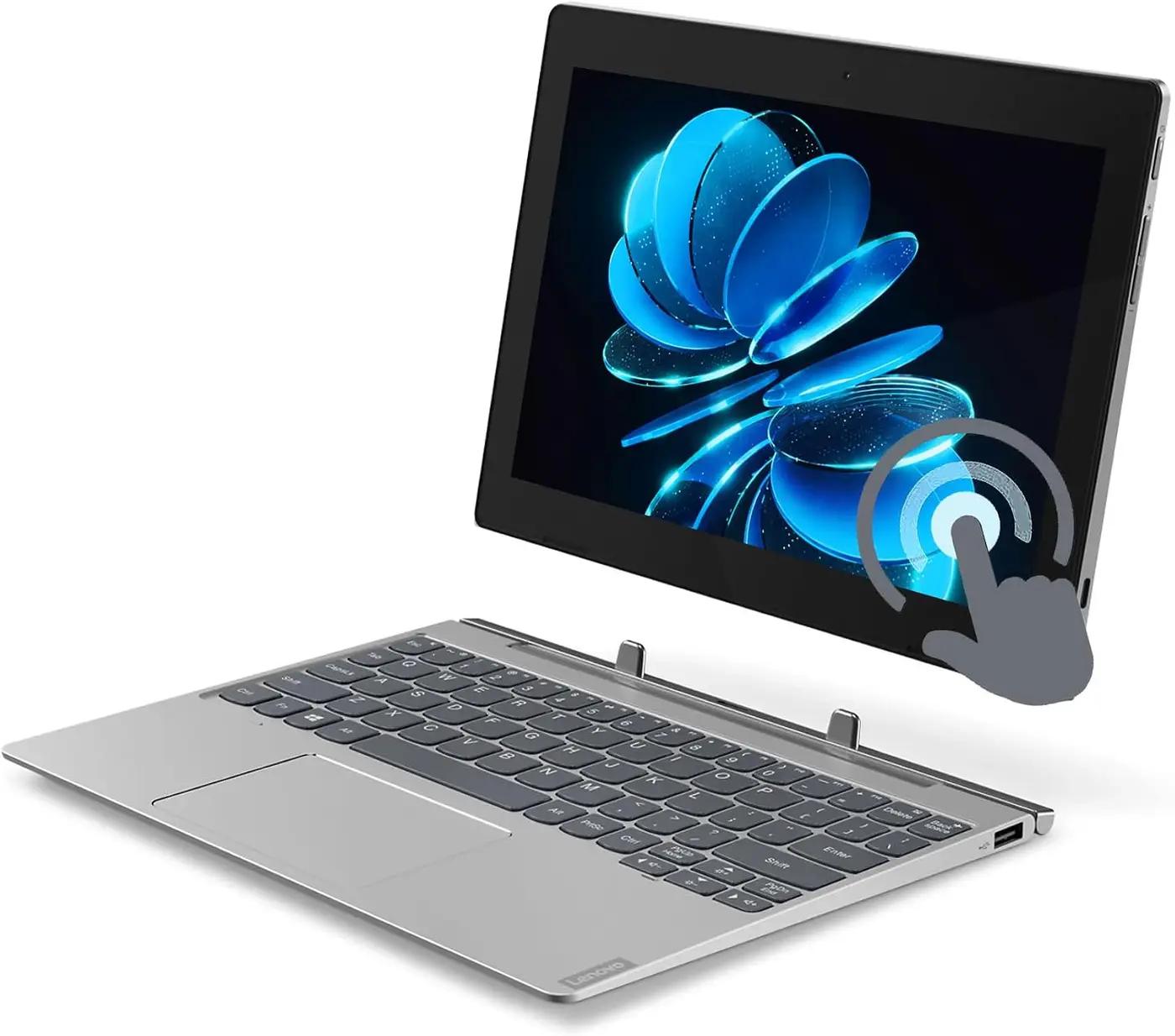
Lenovo IdeaPad D330 10.1" IPS 2-in-1 Detachable Laptop Tablet
Rated 4.5 out of 5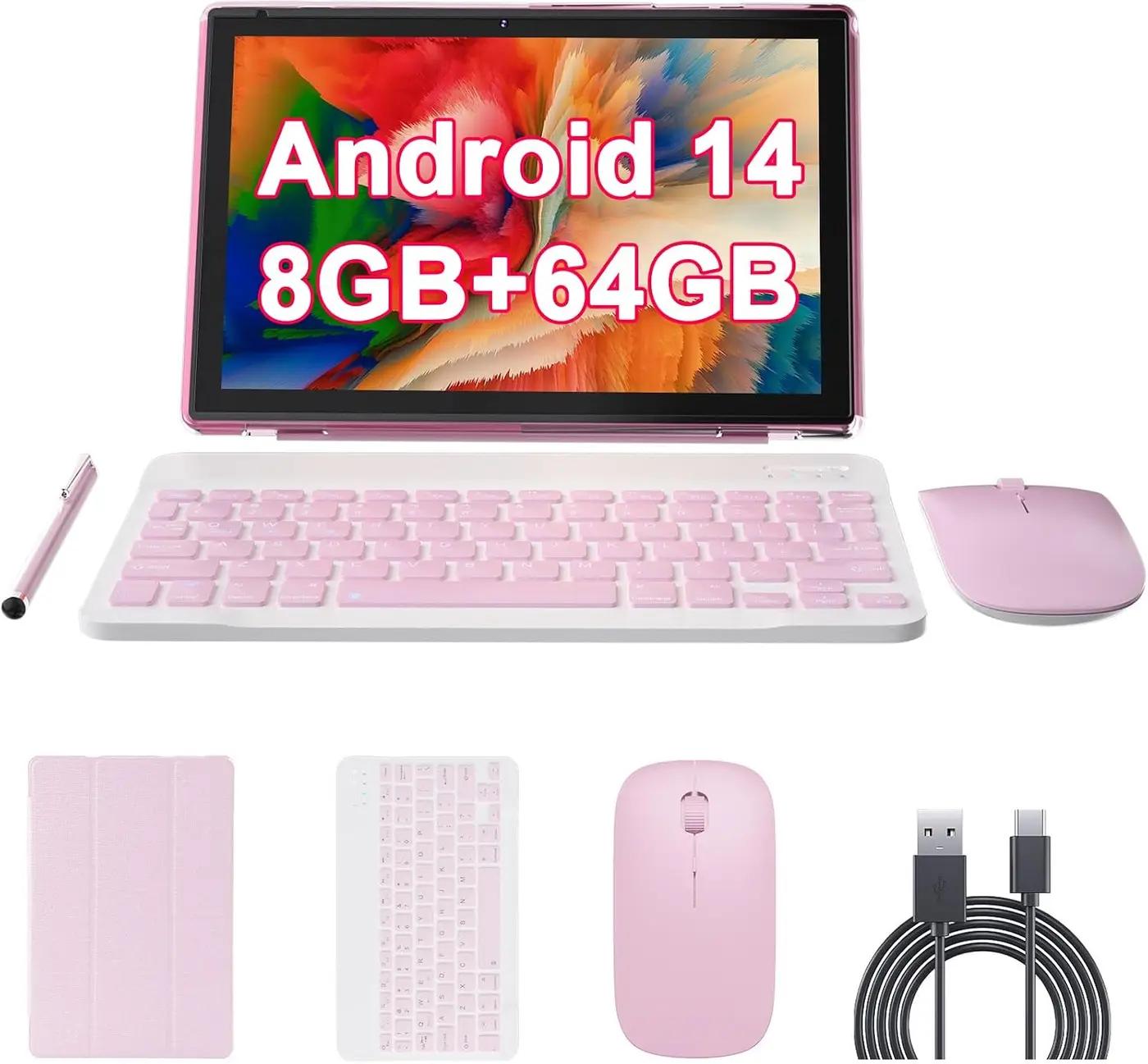
10 inch Android 14 Tablet with Keyboard
Rated 5.0 out of 5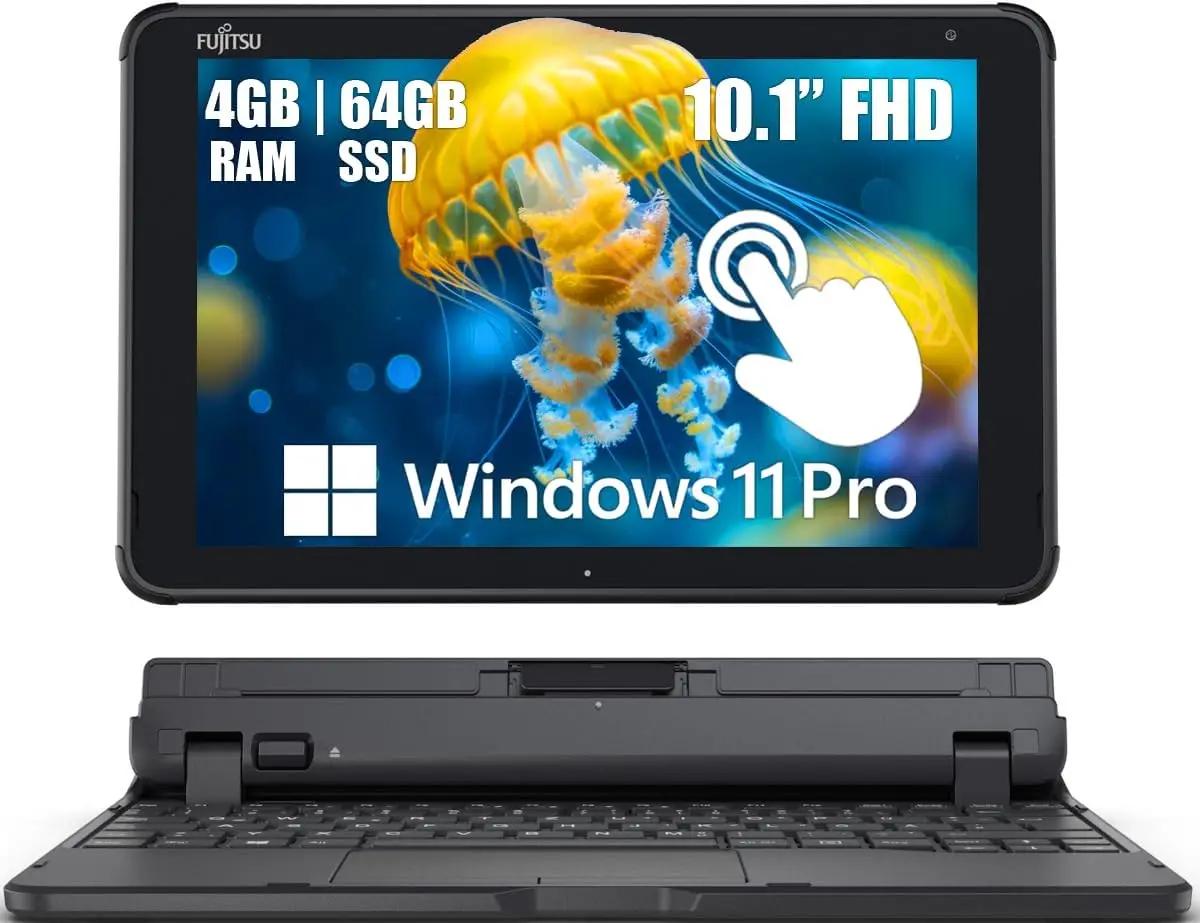
Fujitsu Tablet Stylistic Q5010 2 in 1 Touchscreen Laptop
Rated 4.4 out of 5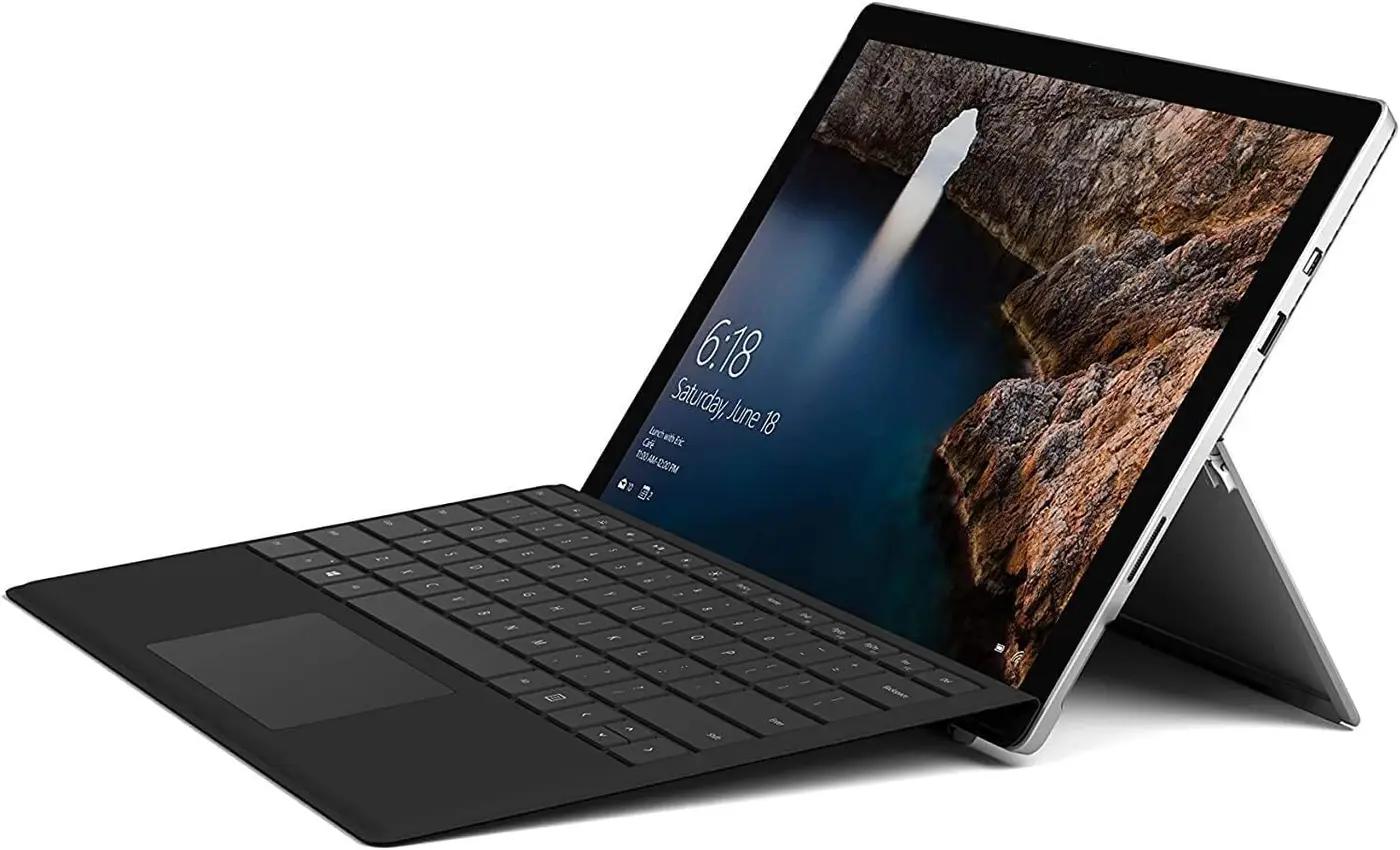
Microsoft Surface Pro 5 Tablet PC 12.3-inch (2736x1824) Touchscreen…
Rated 4.9 out of 5 -32%
-32%2-in-1 Laptop/Tablet (2026)
Rated 4.2 out of 5